
Smart Lock Buyer’s Guide for Ottawa Homeowners (2026)
If you're shopping for a smart lock in Ottawa right now, you've probably noticed the choices have exploded since 2023. Wi-Fi, Z-Wave, fingerprint, keypad, retrofits that bolt onto your existing deadbolt — there are dozens of models on Canadian Tire and Amazon shelves, and most of them weren't designed for a city that hits -30C in January. As a residential locksmith serving Ottawa and the surrounding region, we install and replace these things week in and week out. This guide is what we tell our own customers when they ask us which one to buy.
Why Ottawa homeowners are switching in 2026
Three reasons keep coming up when people call us about smart locks. First, no more hiding a key under a flowerpot for the dog walker, the cleaner, or the in-laws. Second, the ability to give a contractor a one-day code instead of a physical key you'll never see again. Third, and this is the big one for Ottawa specifically — knowing whether you actually locked the back door before driving to the cottage for the weekend.
The catch is that not every smart lock survives an Ottawa winter. The cheap ones freeze, the batteries die at -25C, and the Wi-Fi-only models stop working the moment your router reboots. Picking the right category matters more than picking a brand.
The four types of smart locks (and which one fits your house)
1. Keypad-only locks
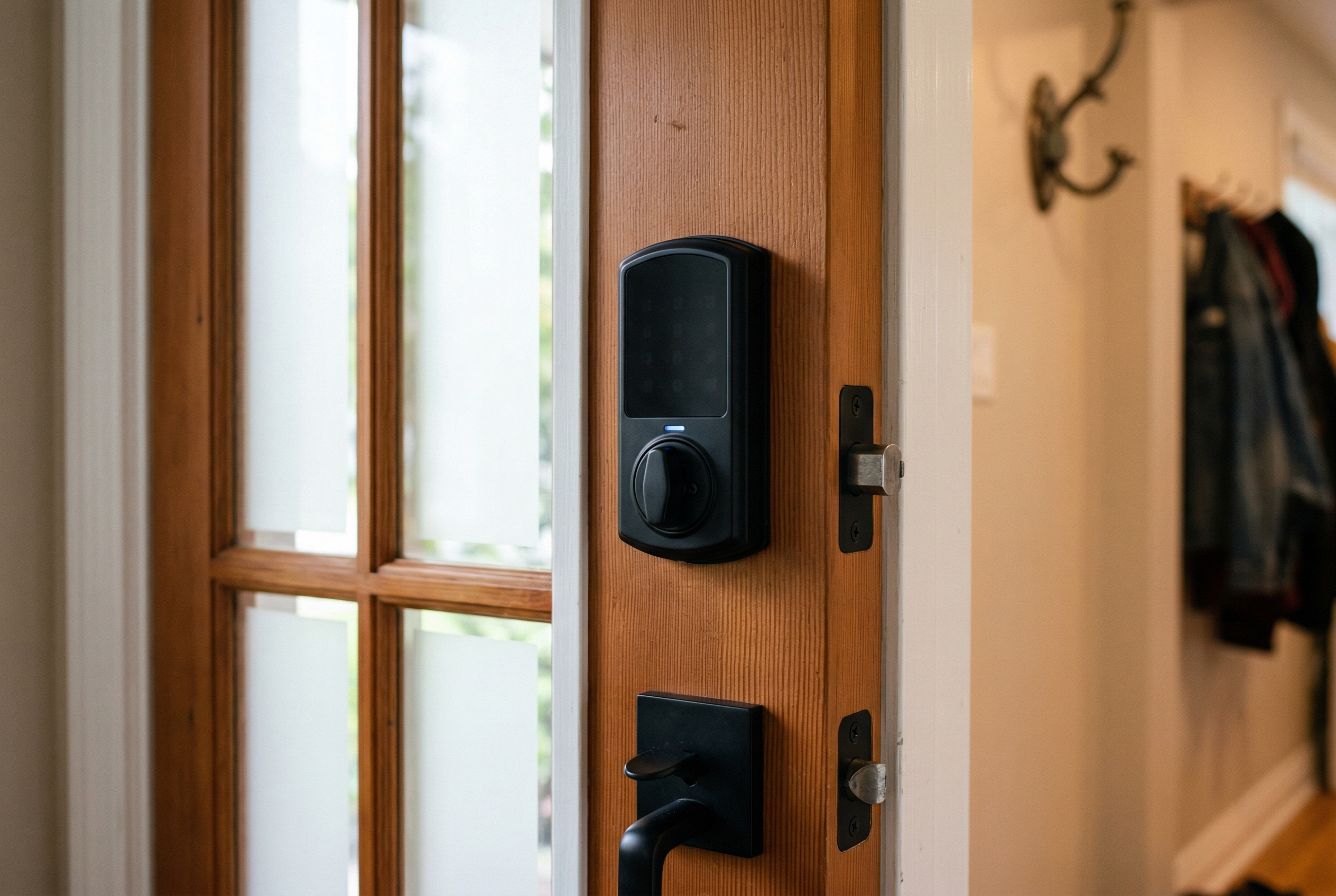
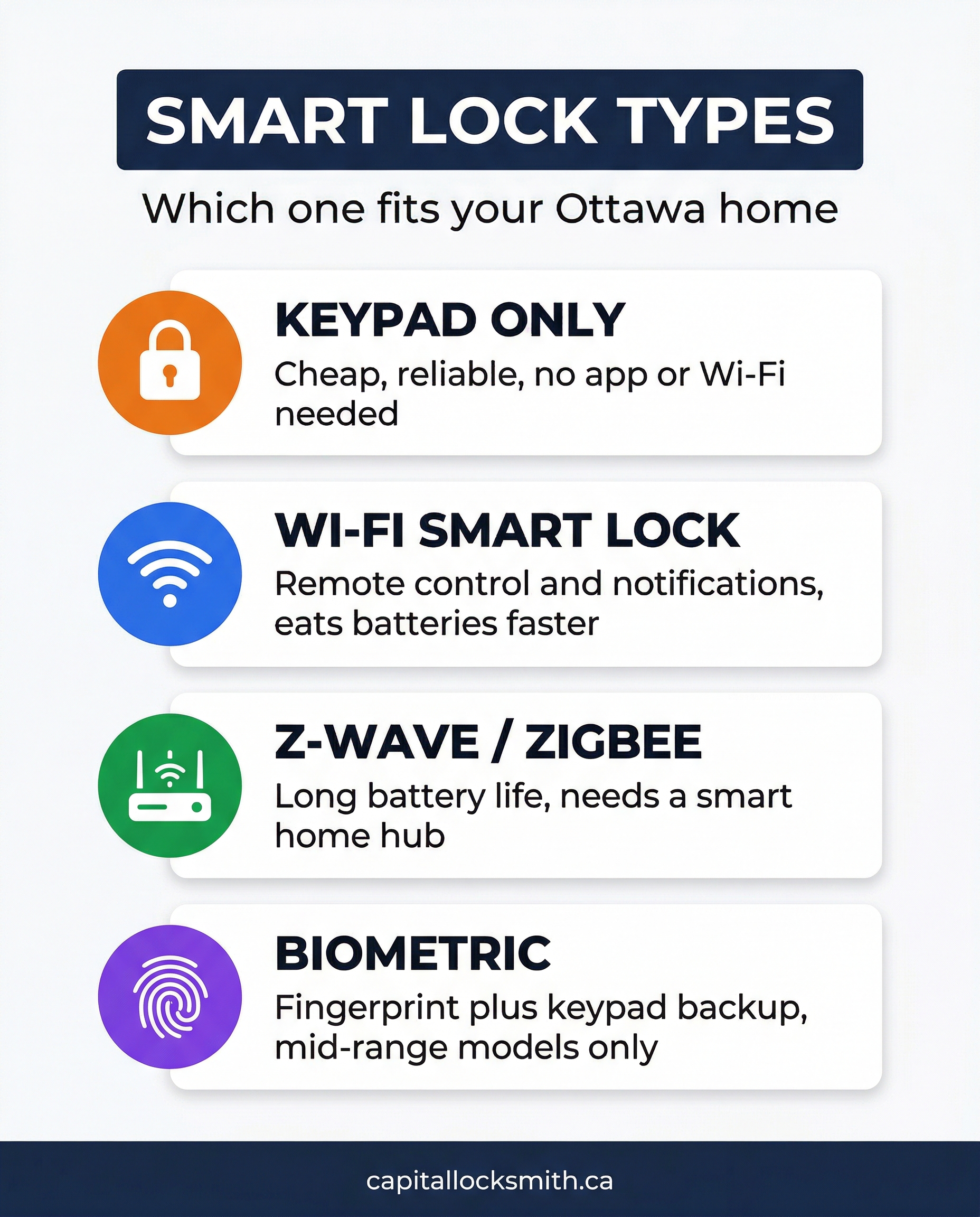
These are the simplest. No app, no Wi-Fi, just a keypad on the outside that opens the deadbolt when you punch in your code. The Schlage BE365 and Kwikset 909 are the most common in Ottawa homes we visit. Pros: cheap (around $120-180), batteries last 2-3 years, no hacking risk because there's nothing online to hack. Cons: no notifications, no remote unlocking, no temporary codes for guests.
Best for: people who just want to stop carrying a key.
2. Wi-Fi smart locks
The Schlage Encode, Yale Assure 2, and August Wi-Fi are all in this category. They connect directly to your home Wi-Fi and you control them from your phone, anywhere. You get push notifications when someone unlocks the door, you can hand out one-time codes, and most of them work with Alexa or Google Home.
The downside in Ottawa: Wi-Fi locks burn through batteries fast. A Schlage Encode that lasts 12 months in Toronto might need new batteries every 4-6 months in a Glebe house with a basement-mounted router and weak signal at the front door. Always pick a lock with a Wi-Fi extender or hub option if your front door is more than 8 metres from your router.
3. Z-Wave / Zigbee locks
These don't talk to your Wi-Fi at all. Instead they connect to a smart home hub like SmartThings, Hubitat, or a Ring Alarm panel. Yale, Kwikset Halo, and Schlage all sell Z-Wave versions. Battery life is much longer (often 18-24 months) because the radio is way more efficient. If you already own a security system or smart home hub, this is the right pick.
If you don't have a hub, skip this category — buying one just for the lock makes no sense.
4. Biometric (fingerprint) locks
The Eufy Security Smart Lock Touch, Aqara U100, and Lockly Vision are the popular ones. Fingerprint readers have gotten genuinely good in the last two years, and most also have a keypad as backup.
Honest warning: cheap fingerprint locks (under $200) struggle in Ottawa winters because the sensor glass gets wet, freezes, and stops reading. Stick to mid-range models with heated or recessed sensors if you want this to work in February.
Cold-weather performance: what actually breaks at -20C
This is the question we get most often, so here's the straight answer based on what we replace at customer homes in February and March.
- Batteries. Alkaline batteries lose 30-50% of their capacity below -10C. If your lock takes AA batteries, swap them for lithium primary cells (Energizer L91). They cost double but they actually work in winter.
- Touchscreens vs physical buttons. Capacitive touchscreens stop working when you have gloves on or when the screen is iced over. Physical buttons (Schlage's keypad, for example) keep working in any weather.
- Motorised deadbolts. Cheap motors stall when the deadbolt is misaligned or the door has swelled. This is the #1 reason we get called out in spring — the lock worked all winter, then in March the homeowner can't lock the door at all. Always have your strike plate alignment checked when you install a smart lock.
- Wi-Fi range. Cold air outside + warm air inside causes weird signal behaviour. Plan for a Wi-Fi extender within 5 metres of the door.
Are smart locks actually secure?
The short answer: yes, the major brands are. The grade-2 ANSI deadbolts in a Schlage Encode or Yale Assure 2 are mechanically just as strong as a regular deadbolt — a burglar isn't going to "hack" your lock, they're going to kick the door in or break the glass beside it. The weakest link in your front door is almost always the strike plate (the metal plate the bolt slides into) and the frame, not the lock itself.
Things to actually worry about:
- Default codes. Change the installer code immediately. You'd be amazed how many homeowners leave 0000 or 1234 active.
- Auto-lock timing. Most locks let you set how long after closing the door it re-locks. Set it to 30 seconds, not 5 minutes.
- Old firmware. Smart locks ship with security patches throughout their life. Update them once a quarter.
- Sharing codes by text message. Codes sent over SMS get screenshotted and forwarded. Use the lock's built-in temporary code feature instead.
DIY install vs calling a locksmith
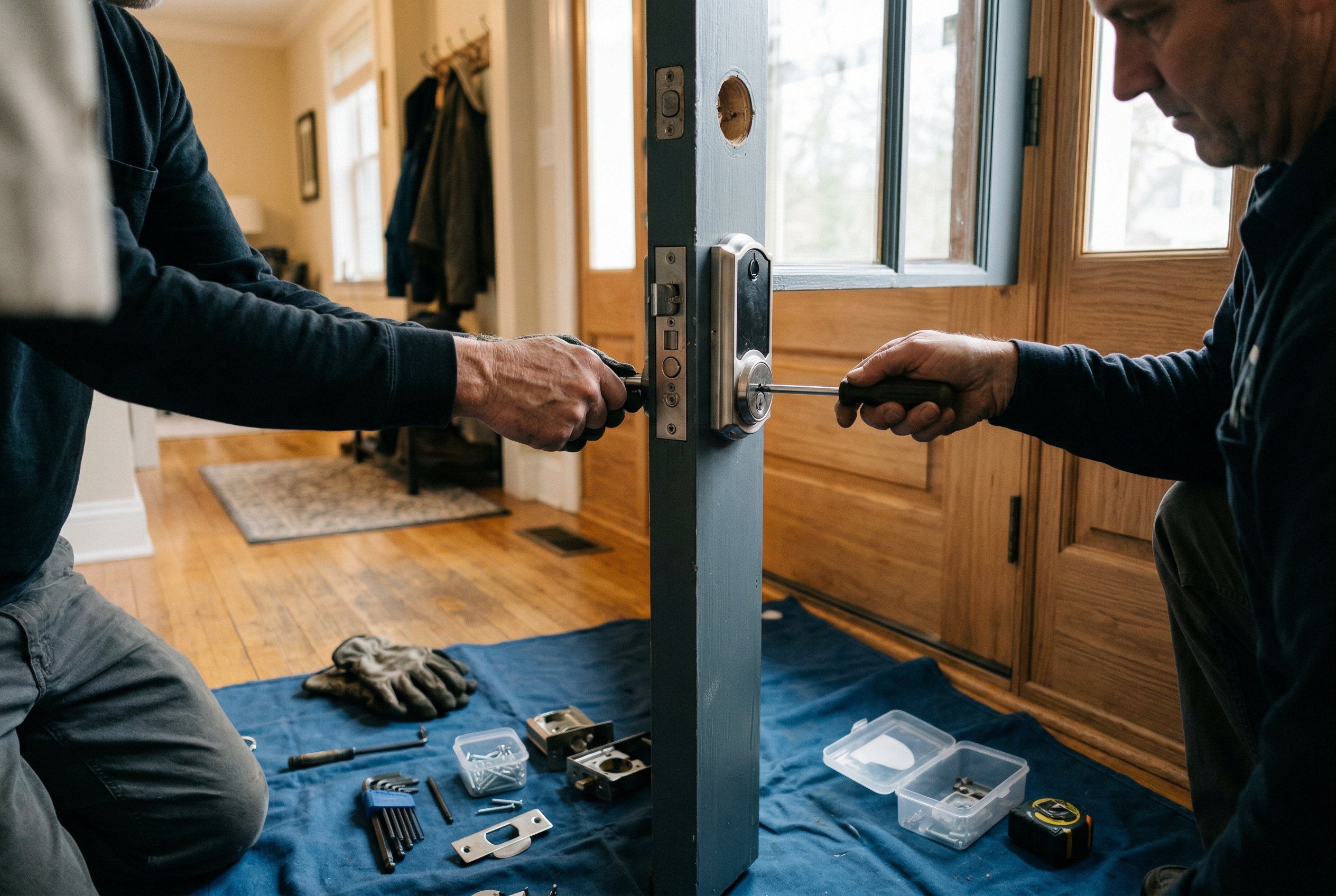
Most retrofit smart locks (the kind that bolts onto your existing deadbolt — August, Level Bolt) are genuinely DIY-friendly. Twenty minutes with a screwdriver and you're done.
Full replacement smart locks are a different story. Ottawa houses range from 1920s wood frames in Hintonburg to 2020 builds in Stittsville, and the door prep varies a lot. The most common problems we see when homeowners try to install themselves:
- The new deadbolt is a different size than the old one and the existing hole doesn't fit.
- The strike plate hole on the frame is misaligned, so the bolt jams.
- The door has dropped on its hinges, so the lock won't engage when closed even though it works when the door is open.
- The latch backset (the distance from the edge of the door to the centre of the bolt) is 2-3/8" on older Ottawa homes but the new lock came with a 2-3/4" backset.
If any of those sound like things you don't want to deal with on a Saturday, get a locksmith. A standard smart lock install in Ottawa runs $80-150 on top of the lock cost.
Our 2026 picks for Ottawa homes
- Best overall: Schlage Encode Plus (Wi-Fi + Apple Home Key, around $380). Reliable, ANSI grade 1, physical keypad, Apple Wallet support if you have an iPhone.
- Best budget: Schlage BE365 keypad ($150). No app, no internet, just works for 3 years on one set of batteries.
- Best for renters / retrofit: Level Bolt ($329). Invisible from the outside, attaches to your existing deadbolt, doesn't require landlord approval.
- Best for smart home users: Yale Assure 2 with Z-Wave module ($300). Pair it with SmartThings or a Ring panel for the longest battery life and best automation.
- Skip these: Any no-name Amazon brand under $100, anything that requires a proprietary app from a company you've never heard of, anything sold without a Canadian warranty.
FAQ
How much does a smart lock cost to install in Ottawa?
A retrofit smart lock you install yourself is just the cost of the lock — $130 to $400 depending on model. A locksmith install of a full-replacement smart lock typically runs $80 to $150 in labour, so plan for $250-550 all in.
Will a smart lock work if my Wi-Fi goes down?
Yes. Every reputable smart lock still has a keypad and most still have a physical key override. You only lose remote unlocking and notifications when Wi-Fi is out — the lock itself keeps working.
Do smart locks work in Ottawa winters?
The mid-range and premium models do, yes — Schlage, Yale, Kwikset Halo, and August all work down to -20C and lower. Cheap models under $150 from no-name brands often don't. Use lithium batteries instead of alkaline for cold-weather reliability.
Can someone hack my smart lock?
Theoretically yes, practically no. There has never been a documented case in Canada of a residential burglary using a smart lock hack. Burglars kick doors in or break windows. Worry about your default code and your strike plate, not hackers.
Should I tell my home insurance about the smart lock?
You don't have to, but some Ontario insurers (Belairdirect, TD Insurance, Aviva) offer 5-10% discounts on home contents insurance if you have a monitored smart lock or alarm. Worth a phone call.
Next steps
If you're not sure which lock fits your specific door, the easiest thing is to take a photo of your existing deadbolt (front and side) and send it to a locksmith. We can usually tell you which models will fit straight in and which ones will need door modifications. Get in touch with Capital Locksmith if you'd like a free fit check before you buy.